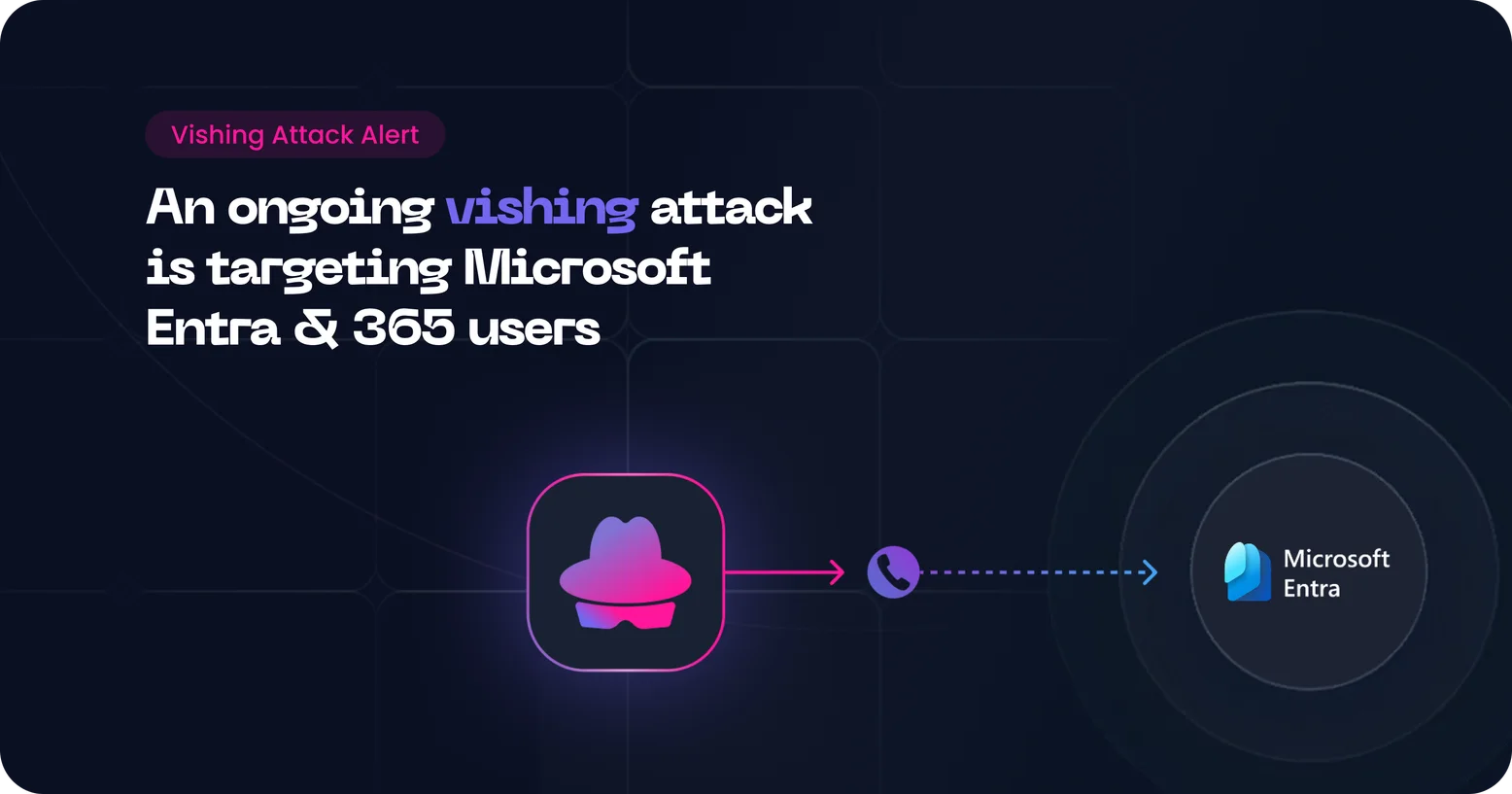
The same group behind recent Okta and SSO breaches, ShinyHunters, are running a new campaign combining device code phishing with phone calls to compromise Microsoft Entra accounts. What makes this particularly nasty is that they don't need your password. They don't even need to build a fake login page. They're abusing a legitimate Microsoft feature, and they're pulling it off with a single convincing call.
Key Takeaways
- Threat actors are actively targeting organizations in financial services, technology, and manufacturing, using a blend of device code phishing and vishing (voice phishing).
- The attacks exploit the OAuth 2.0 Device Authorization flow, a legitimate Microsoft feature, to obtain valid authentication tokens without ever touching a password.
- Once in, attackers gain access to everything connected via SSO: Microsoft 365, Salesforce, Google Workspace, Dropbox, Slack, Atlassian, and more.
- The ShinyHunters extortion group is believed to be behind the campaign, and they've confirmed as much themselves.
About the Attack
How it actually works
To understand the attack, you first need to understand what device code authentication is supposed to do. It's a legitimate part of Microsoft's OAuth 2.0 flow, designed for devices that can't easily display a browser, like smart TVs, printers, or IoT devices. Instead of logging in directly, the device shows you a short code and a URL. You go to microsoft.com/devicelogin on your phone or computer, type the code in, and the device gets authorized.
Attackers found a way to hijack it:
- The attacker generates one of those device codes themselves.
- They call the target, posing as IT support or a Microsoft technician, and tell them there's a security issue with their account that needs immediate verification.
- They walk the victim to the real Microsoft login page, give them the code, and ask them to type it in. The victim logs in normally, completes MFA, and thinks they've just verified their identity. What they've actually done is grant the attacker's session full access to their account.
From there, the attacker uses the code to retrieve a refresh token. That refresh token gets exchanged for access tokens. And those access tokens let them move freely across every SaaS application connected to that account, no second MFA prompt, no password required. The session stays valid until the token expires or is manually revoked. This is a typical case of session hijacking, this time enabled through vishing.
Known foes, familiar playbook
ShinyHunters has reportedly confirmed their involvement. Their playbook is consistent: exploit trust, skip the complicated technical exploits, and go straight for the human. What's different here is the low complexity of the infrastructure. Previous device code attacks still required some attacker-controlled setup, like a malicious OAuth app. This campaign uses legitimate Microsoft OAuth client IDs, meaning the login flow the victim sees looks completely normal. There's no spoofed domain, no suspicious app name in the consent screen. Everything appears to come from Microsoft itself.
So what happens next?
- Once attackers have valid access tokens, they authenticate as the victim inside Microsoft Entra and pivot through every SSO-connected application in the tenant. That means emails, SharePoint files, internal chats, or cloud storage.
- Because the attacker holds a refresh token, not just a session, they can maintain persistent access long after the initial call ends, unless the tokens are explicitly revoked.
- This access is typically monetized through extortion: attackers steal the data, then demand payment to keep it from going public.
How to Prevent Vishing
Why corporate accounts are targeted
Organizations fall victim to such attacks because their employees are reachable by phone and a single authorized session unlocks a lot of valuable data. But most importantly, it works because employees are vulnerable. In this specific case, traditional security controls (malicious domain blocking, phishing URL filters, suspicious app detection) don't fire when the attacker is routing everything through microsoft.com. The social engineering component carries the weight that technical exploits used to.
How to Train Employees Against Vishing →
How organizations should respond to device code vishing
This kind of attack lives and dies on the human layer. Here's where security teams should be directing their attention.
On the people side:
- Train employees to never enter a device code they received from an unsolicited caller or email, no matter how convincing the story sounds. Legitimate IT teams don't work this way.
- Make sure recurring cyber awareness training explicitly cover device code phishing and vishing scenarios, not just email phishing.
- Run tabletop exercises and simulated vishing calls so employees know what a real attempt feels like before they're actually in one.
- Establish clear, verifiable escalation paths: if someone calls and asks you to log in somewhere, hang up and call back through a known number.
On the technical side:
- If your organization has no legitimate use case for device code flow, disable it in Microsoft Entra Conditional Access policies.
- Review your Azure AD sign-in logs regularly for unexpected device code authorization attempts, especially at volume or from unfamiliar IPs.
- Audit OAuth app permissions and revoke any consents you don't recognize.
- If a compromise is suspected, immediately revoke the affected user's refresh tokens using
revokeSignInSessionsand force re-authentication via Conditional Access. - Block known malicious domains associated with the phishing campaign at the email and DNS layer.
Phone numbers don’t have the same level of security as email has and it’s harder to defend with the currently available technical solutions of the market. You need scalable way to train your people to adopt better behavior against this new generation of attacks. Using the same technology attackers do, Arsen provides large scale vishing training, with voice cloning and a high level of customization to evaluate and train people in realistic situations.